
#BookOnPhriend · Creator collab
Show your service,
get it booked.
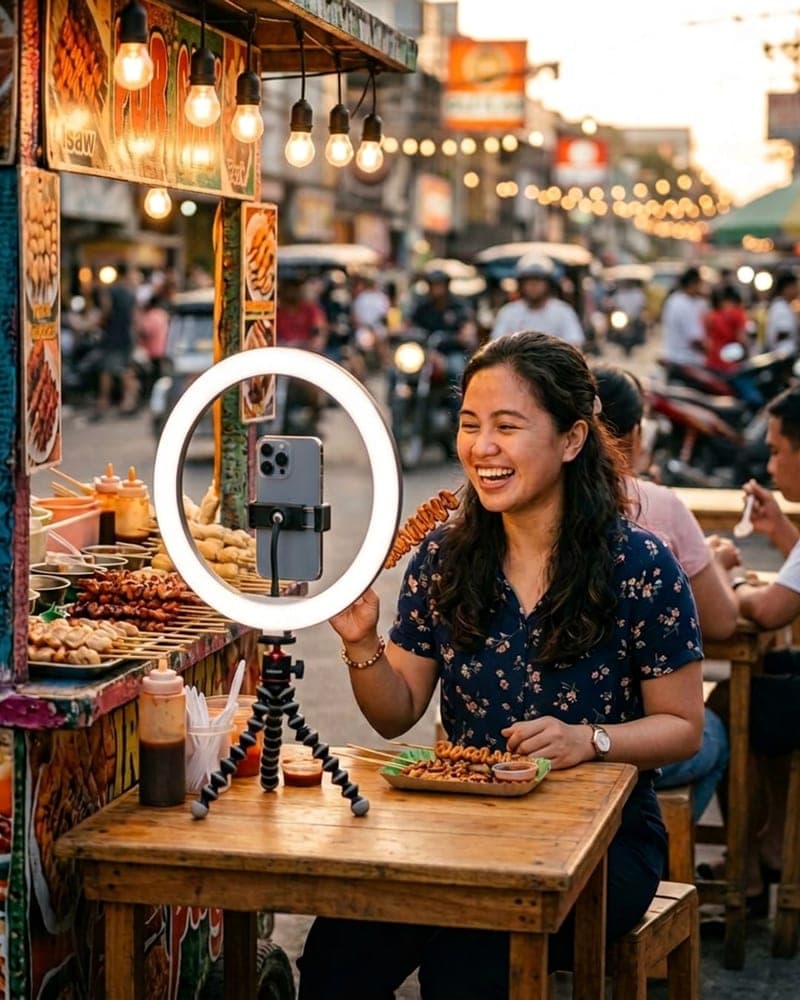
Post one video of your work with your Phriend service card on screen. For a week your followers comment for a chance to book it, and the best comment wins a free booking: a photo shoot, a lesson, a cleaning, whatever you offer.
How it works
One video. One week. One winner.
- 1
List your service
At provider.phriend.app, verify your identity, list your service with its price and photos, and copy its link: web.phriend.app/services/YOURCODE, or your profile at web.phriend.app/p/yourhandle.
- 2
Post one video of your work
A TikTok or Reel showing the service, with your Phriend service card on screen. Make the card below in a few seconds.
- 3
Followers comment for 7 days
They follow you and Phriend, like the video, and comment which of your services they'd book.
- 4
Best comment wins a free booking
You pick the winner on day 8. They book your service on Phriend, free for them, and Phriend pays your price.
The prize is one booking of a service you list, at its listed price. Say where you work in your caption before comments open, so the winner is someone you can serve. Message us for the full rules.
List your servicesWhat followers can book
Top 5 services that make good content.
Work you can show on camera. The winner's booking turns into your next video.
Photo & Video
Portraits, product shots, event coverage
Repairs & Cleaning
Aircon cleaning, appliance check-ups, before and after
Tutoring & Lessons
Math, languages, music, a sample lesson
Tour Guide
City tour, food tour, heritage tour
Events
Hosting, coordination, hair and makeup
Overlay tool
Your service card, ready for your video.
Paste your Phriend link and download a transparent overlay for CapCut, or upload your clip and export the video with the card on it. Your video never leaves your device.
Your card shows up here.
3. Download
In CapCut: Overlay, then Add overlay, pick the PNG, stretch it to full screen and drag it across the whole clip. To get the video with the card, upload your clip in step 2 first.
We can help
Need a hand with the edit?
Just let us know. Send your raw clip and your Phriend link and we'll help with the video editing. Same inbox for joining the collab and any questions.