
Local services, from verified providers
Book trusted local pros for aircon cleaning, tutoring, photo and video, errands and more. See prices and photos, then book in the app.
- Verified providers
- Priced per job, hour or session
- Book and chat in the app
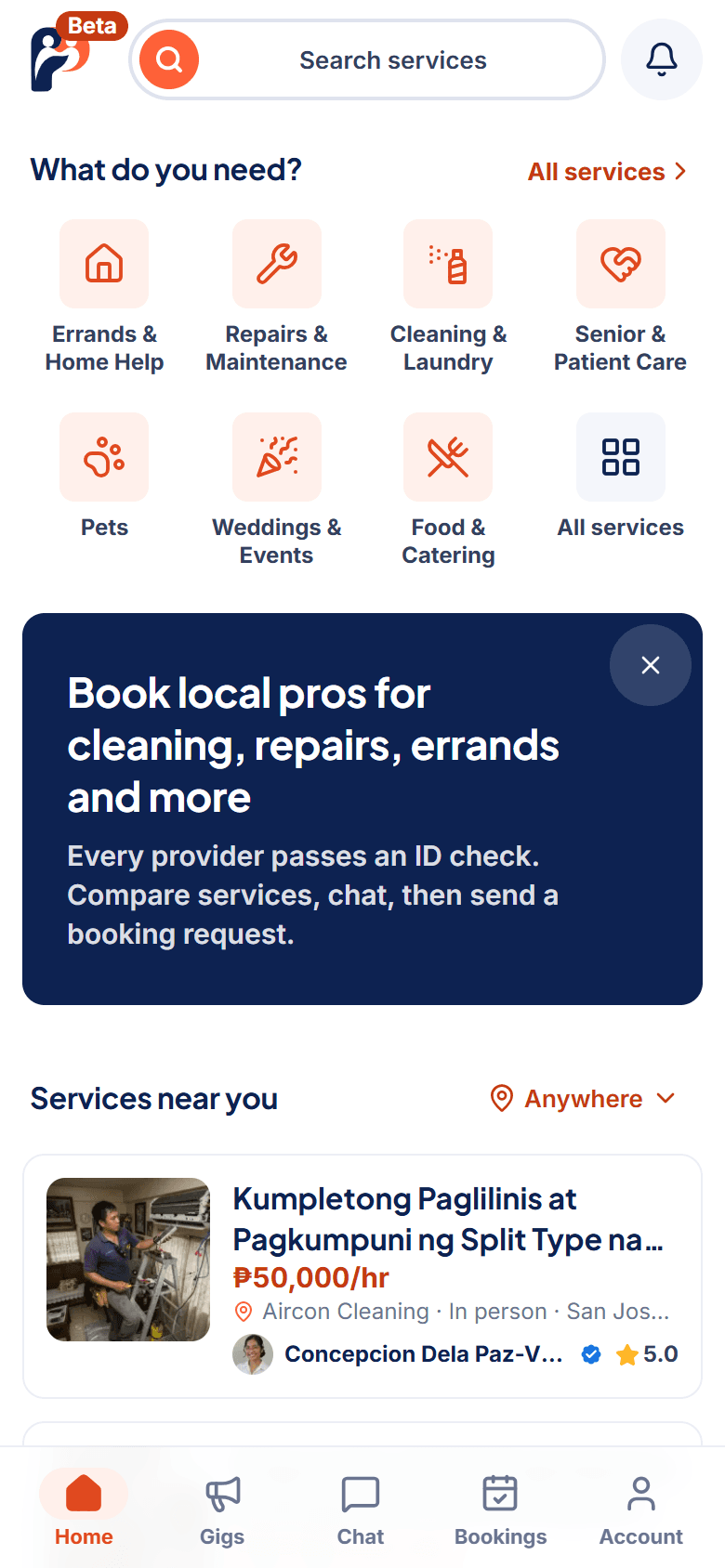
What do you need done?
51 kinds of service in 18 groups, from aircon cleaning and appliance check-ups to bookkeeping, tutoring, photo and video, driving and errands. Pick one to see the services on offer.

Errands & Home Help
Errand, Tech Help, Property Viewing and Moving Help
Repairs & Maintenance
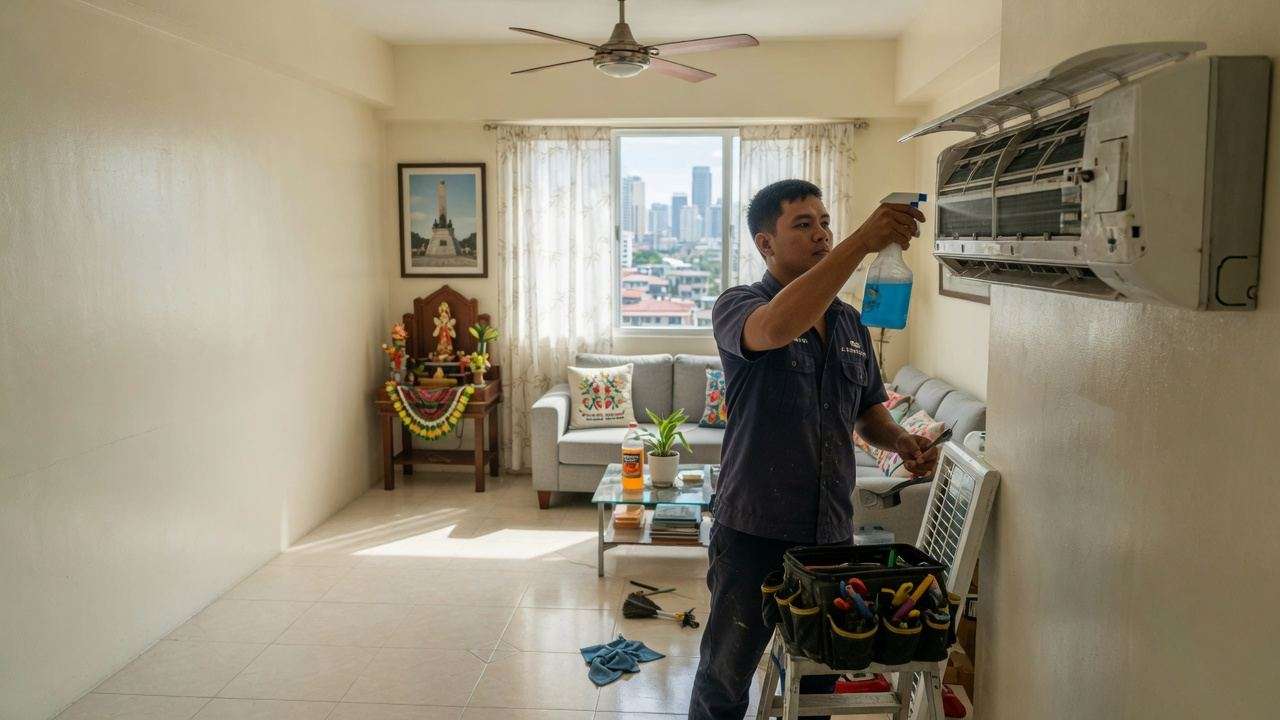
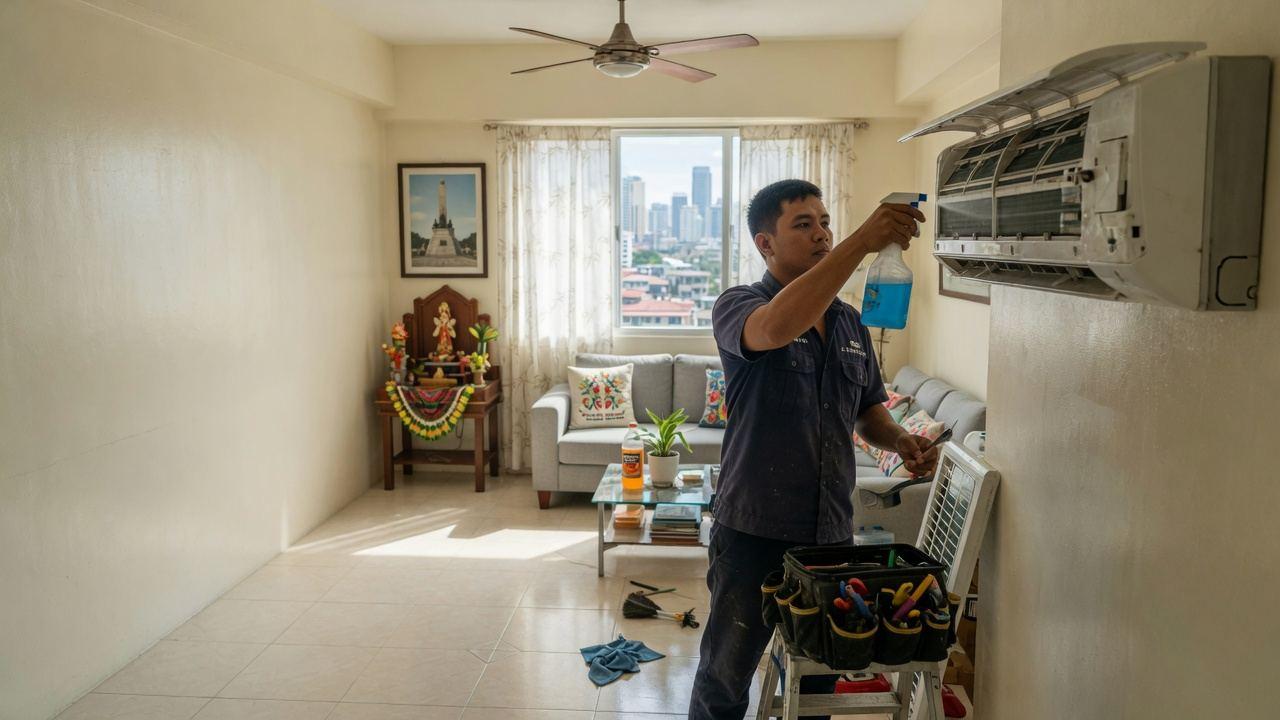
Aircon Cleaning, Plumbing, Electrical, Appliance Repair and 1 more

Cleaning & Laundry
Home Cleaning and Laundry & Ironing

Senior & Patient Care
Hospital Assistance and Senior Care Help

Pets
Pet Care, Pet Grooming and Dog Training

Weddings & Events
Event, Host & Emcee, Event Coordinator and Party Entertainer

Food & Catering
Cooking, Catering, Baker & Cakes and Bartender

Music & Performance
Musician and Dance

Photo & Video
Photographer, Content Creator and Videographer
How Phriend works
Four steps, whichever side you are on.
Need something done?
From a search to a booked service in a few minutes.
- 01
Browse
Search services by what you need and where. Each one shows its price, up to six photos of the work, whether it is online, in person or hybrid, and the provider's badges.
- 02
Chat
Message the provider in the app. Their FAQ answers reply instantly to the usual questions: how to pay, the minimum booking, where they work.
- 03
Book
Pick a time from the service's own schedule and, for an at-home service, one of your saved addresses. Online services need none. The provider accepts or declines.
- 04
Get it done
The work happens online or in person. Pay the provider directly, as you agreed with them, then leave a review.
Start with a search.
Every provider is verified with a government ID and a selfie, and every service shows its price before you book.
Book a service
Offer a service?
Set your prices, your hours and your area, and keep everything clients pay you.
- 01
Verify
Verify your identity with a government ID and a selfie. Add clearances, certificates or business documents to earn a badge for each one that is approved.
- 02
Profile
Keep it lean: one round face photo, your name, a title like "Online Bookkeeper", a short About me and the languages you speak.
- 03
Services
List each service with its own price per job, hour or session, up to six photos of your work, a visit type, a schedule and an area.
- 04
Bookings
Accept requests, chat with clients and let your FAQ answers reply instantly. Clients pay you directly; your bookings and earnings are tracked in one place.
List your services.
Providers work in Phriend Provider, on the web at provider.phriend.app: list services, manage bookings, earnings and verification.
Go to provider.phriend.app
From first message to finished job, in one app.
Booking, chat and scheduling happen in the app. Payment goes straight to the provider.
- Services first
- Browse services, not profiles. Each one has its own price, photos of the work, visit type, schedule and area.
- Online, in person or hybrid
- Online services cover the whole country. In-person ones list the areas they cover, or a whole city.
- Saved addresses
- Save Home, Work and any other address for at-home services. Online services need no address.
- Bookings
- Pick a time from the service's schedule. Accept, decline or cancel with a reason, and add it to your calendar.
- Chat
- Message the provider in the app, with photos, read receipts and typing indicators. Archive or block anyone.
- Instant FAQ answers
- Providers set answers to the usual questions, like how to pay, the minimum booking or where they work, and the chat replies with them right away.
- Verified and document badges
- Verified means a government ID and a selfie were checked. Document badges show what else was checked.
- Reviews
- A star rating, a few words and photos, left after a booking.
- Post a job
- Describe what you need with a budget and a date. Providers reply in the chat.
- Phriend Provider
- Providers list services and manage bookings, earnings and verification at provider.phriend.app.
- Notifications
- A bell in the app and an email for every message, booking update and review.
- Your account
- Sign in with email or Google, or with Apple on iPhone. Download your data or delete your account yourself, in Settings.
Trust, built in
Providers are verified, what you agree is on record, and anything wrong is one tap from a report.
Read the safety rules
Verified providers
A provider gets the Verified badge once their government ID and a selfie are checked, and every listing is reviewed before it shows.
Document badges
NBI clearance, police clearance, barangay certificate, certificates, business documents and proof of address each earn a badge once they are checked. Not every provider needs every one.
The chat is the record
The price, the time and what is included are agreed in the chat and the booking, so both sides can see what was agreed.
Pay the provider, as agreed
Payment is agreed with the provider and paid to them directly. Phriend never holds your money.
Report and block
Report a service, a profile, a review or a message, and block anyone from the chat. Every report is reviewed.
Offer your services on Phriend.
Clean aircons, keep books, teach, shoot photos and video, drive or run errands? List each service with its own price, photos, schedule and area, then take bookings and chat with clients in Phriend Provider.
- Each service with its own price per job, per hour or per session
- Up to six photos of your work on every service
- Online, in person or hybrid, with its own schedule
- Listed areas, a whole city, or nationwide for online work
- FAQ answers that reply to clients instantly in the chat
- A Verified badge and a badge for every approved document
- Bookings, earnings and verification in one place
- Clients pay you directly, and Phriend takes no cut
- The Phriend Provider app is coming to the app stores; until then, use provider.phriend.app

Providers keep 100%
Phriend takes no commission yet. Providers set their own prices, clients book in the app, and payment is agreed with the provider and paid to them directly.
- Pricing
- Per job, per hour or per session
- Payment
- Agreed with the provider, paid directly
Each provider prices each service. Bookings happen in the app; payments go to the provider.
What is Phriend? Phriend is a marketplace for local services in the Philippines. Clients browse services, each with its own price, photos, visit type, schedule and area, then book and chat with the provider in the app and pay the provider directly. Every provider is verified with a government ID and a selfie.
Common questions
Something else? Email support@phriend.app.
What can I book on Phriend?
Local services, each listed with its own price: aircon cleaning and repair, appliance check-ups, bookkeeping and tax filing, tutoring, photography and video, driving, errands and deliveries, moving help, tour guiding, event coordination and more. Some are done in person, some online, some both. Phriend is for legitimate services only; anything sexual or illegal gets an account removed immediately.
How does booking work?
Open a service, pick a time from its schedule and, for an at-home service, one of your saved addresses (online services need none). Add a note and send the request; the provider accepts or declines. Either side can cancel with a reason, and every booking can be added to your calendar.
How do I pay?
Payment is agreed with the provider and paid to them directly: cash, e-wallet or bank transfer, whatever you agree. Phriend never holds your money. If you pay by e-wallet or bank, send only to the account the provider gave you in the Phriend chat.
How are prices set?
Each provider prices each service: per job, per hour or per session. The price, and any minimum booking, shows on the service before you book.
Does Phriend take a commission?
Not yet. Providers keep everything clients pay them. If this changes we will announce it well ahead of time.
What does the Verified badge mean?
The provider's government ID and a selfie were checked. Document badges show what else was checked: NBI clearance, police clearance, barangay certificate, certificates, business documents or proof of address. Not every provider has every badge, and each one shows only after the document is reviewed.
What are FAQ answers?
Answers a provider writes to the questions clients ask most, such as how to pay, the minimum booking or where they work. Ask in the chat and the answer arrives instantly; the provider can follow up from there.
Do online services need an address?
No. Online and remote services happen over video call, phone or shared files and can be booked from anywhere in the Philippines. For at-home services, save as many addresses as you need, like Home and Work, and pick one when you book.
How do I offer my services?
Go to provider.phriend.app (the Phriend Provider app is coming to the app stores). Verify your identity, set up a short profile with one face photo, a title, an About me and your languages, then list your services with their prices, photos, schedule and area. Each listing is reviewed before it goes live.
What if the provider is late or cancels?
You may cancel if the other side is more than 30 minutes late without notice, and anything already paid to a provider who is late or cancels late is refunded in full. Cancel at least 24 hours ahead. The full rules are on the safety page.
Do I need to install anything?
No. Phriend runs in the browser at web.phriend.app on any phone or computer; add it to your home screen and it works like an app. You can also get the Phriend app for Android from Google Play; the download page has the links.
How do I delete my account?
Open Settings in the app, tap Delete account and type DELETE. You are signed out everywhere, your profile and services are taken down, and your name, photos, saved details and verification documents are deleted. Reviews and the record of your bookings stay, shown as Deleted account. It cannot be undone; the Delete your account page has the details.
Ready to get it done?
Search for the service you need, message the provider and book. Browsing is free, and so is listing your services.