
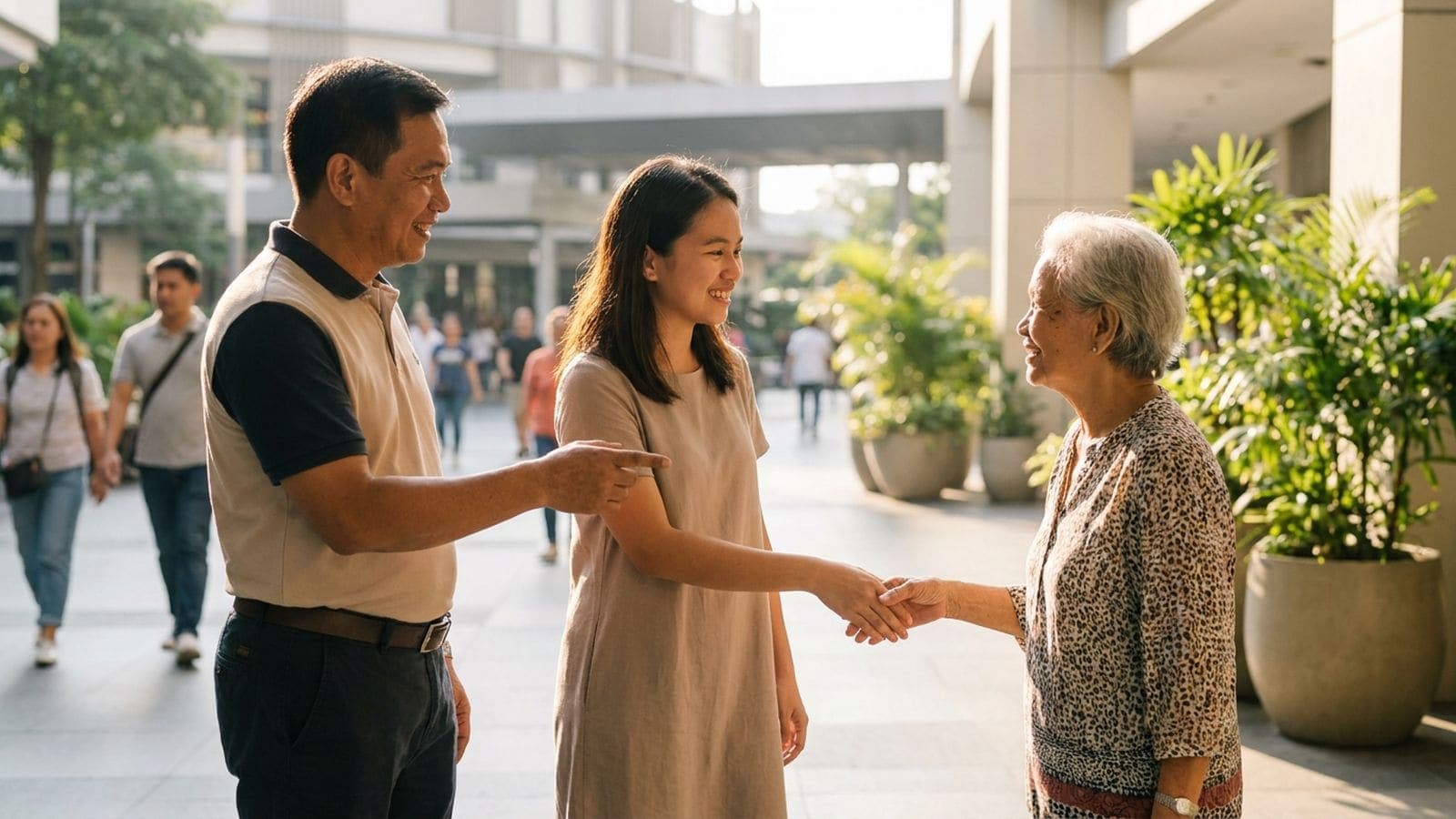
Your mother's aircon is dripping in Davao and you are at work in Makati. Your partner's apartment needs a deep clean before their family visits. A friend is recovering at home and cannot get to the grocery. The tenant in your condo unit messages about a leaking faucet. Plenty of the services people book are for a home that is not theirs, and Phriend is built for that.
You can book any service on Phriend for someone else at a different address. Save their address in the app with a clear label, like "Mama's house", choose it when you book, and tell the provider in the chat who will be there, how to find the door and what the job is. You stay the client: you agree the price in the chat and pay the provider directly, as agreed.
Who people book for
- Parents. Aircon cleaning, a plumber, a weekly clean, an errand run, senior care help or a driver for a day out. Families in Manila book for parents in the province, and OFWs book from abroad; booking help for your parents from abroad covers that case in detail.
- A partner or a sibling. Help with a move, laundry in a heavy work week, someone to set up a new laptop and the home Wi-Fi.
- A friend. Groceries and errands while they recover at home, a cleaner after they move in, a cake delivered on their birthday.
- A tenant or a unit you own. Repairs, aircon cleaning and a clean between tenants, booked by the owner, with the tenant or the building admin letting the provider in.
The service works the same whoever it is for. The price, the schedule, the photos and the area are the service's own, so you compare and choose exactly as you would for your own home. The only differences are the address you pick and the message you send.
How to book for another address
- 01
Save their address
In your saved addresses, add theirs with a label you will recognise. You can keep up to 10, with one default. The app refuses an address outside a provider's area, so you find out before the request goes out.
- 02
Pick the service, the time and the address
Open the service, choose a time from its schedule and pick the saved address for this booking. Send the request; the provider accepts or declines, and a request not answered within 24 hours, or by its start time, expires.
- 03
Say who will be there
In the chat, give the name of the person at the address, the landmark, the gate or unit number, and what needs doing. Photos of the problem help the provider bring the right tools.
Some services happen online or at the provider's own place, so no address is needed. For those, say in the chat who will join the call or who will drop by, and when. Everything else works the same way: the booking, the chat and the review all sit in your account.
Brief the provider well
The provider only knows what you tell them, and you will not be there to explain at the gate. A short message in the chat saves a confused call later. Include:
- Who will open the door. Their name, how they prefer to be addressed, and whether they are most comfortable in Tagalog, Cebuano, Ilocano or English. Providers list their languages on their profile, so you can pick one who matches.
- How to find the place. A landmark, the gate colour, the unit number, the guard house rules and where to park.
- The job itself. What needs doing, photos of it, which rooms are off limits, and what "done" looks like.
- How you want to hear back. A photo in the chat when the provider arrives and another when the job is finished is easy to ask for.
Providers can set up FAQ chips in the chat that answer the usual questions instantly: what is included, what to prepare, how payment works. Read those first; they often answer what the person at home would have asked.
Paying and reviewing when you are not there
You agree the price, the hours and what is included in the chat, and you pay the provider directly, as agreed. Phriend does not process payments and never holds money, so settle how the payment will happen before the day, especially if you are in another city. The person at home should never be handed a bill they did not expect. How booking and payment work on Phriend goes through the whole flow.
After the job, ask the person at home how it went, then rate the provider; you can attach up to four photos, and the provider reviews you as a client too. If you will book the same provider for the same address again, save the service. Every provider has verified their identity with a government ID and a selfie, many add documents such as an NBI clearance for a badge, and report and block are in every profile and chat. How Phriend verifies providers explains each check.
Being far away does not have to mean being unable to help. With the right address saved and a clear message in the chat, fixing the aircon at your parents' house takes the same few minutes as fixing your own.
Questions people ask when booking for someone else
- Can I book a service for an address that is not mine?
- Yes, any service on Phriend can be booked for a different address. Save the address with a label, pick it when you book, and say in the chat who will be there.
- How many addresses can I save?
- Up to 10, with one set as your default. Label each one clearly, like "Mama's house" or "Condo unit 12B", so you always pick the right one.
- Does the person I book for need the app?
- No, only you need an account, because you are the client. Give them the provider's name and the time, and keep the details in your chat with the provider.
- Who pays the provider?
- You agree that in the chat, and the booking stays yours either way. Settle it before the day, so the person at home is never surprised by a request to pay.
- What if the address is outside the provider's area?
- The app refuses it before the request goes out. Look for another provider of the same service who covers that city or barangay.